How to Choose a Monitor: Panel Type, Resolution and Refresh Rate
Choosing a monitor comes down to how you will use it, not how much you spend. Here is how to get the panel, resolution and refresh rate right.
Before you pick a monitor, answer one question: what will you use it for? Office work, gaming and photo editing all call for different screens, and there is no point paying for features you will never touch.
Panel type: IPS, VA or OLED?
The panel type decides colour accuracy, contrast and motion clarity.
- IPS – the most versatile choice. Accurate colours, wide viewing angles and a sensible price. It suits almost everyone.
- VA – the best contrast among LCD panels (3000:1 and higher) with deep blacks. Great for films and single-player games, though fast motion can smear a little.
- OLED – every pixel lights up on its own, so black is truly black and contrast is effectively infinite. The brightest image and fastest response, but at a higher price.
- TN – the oldest and cheapest technology, still found in budget gaming monitors. Weaker colours and viewing angles.
Resolution and size
Resolution sets how sharp the image looks. Full HD (1920×1080) is enough for a 24-inch screen, QHD (2560×1440) suits 27 inches, and 4K (3840×2160) fits 32 inches and creative work. The higher the resolution, the more graphics power you need for gaming.
Refresh rate and response time
Refresh rate (Hz) is how many times per second the image redraws. 60–75 Hz is fine for the office, but for gaming aim for 144 Hz or more, where motion feels noticeably smoother. Response time (ms) matters in fast games: the lower it is, the less the image smears. Competitive players should look for Fast IPS or OLED panels.
Connectivity
Modern monitors connect over HDMI or DisplayPort. USB-C with power delivery lets you hook up a laptop and charge it with a single cable, which is handy for work. Top-tier models even include Thunderbolt and act as a dock.
What to pick for your needs
- Office and everyday – Dell P2425H: a 24-inch Full HD IPS screen with a handy USB hub.
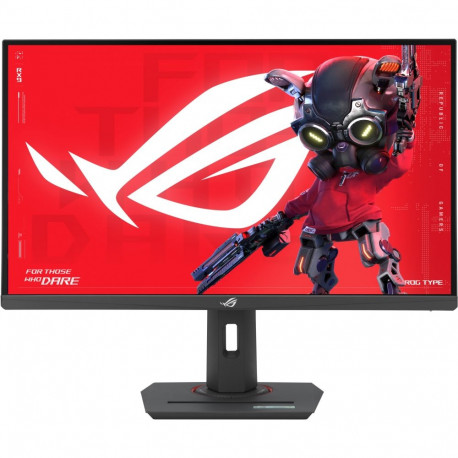
- Gaming – Asus ROG Strix XG27ACMS: a 27-inch QHD Fast IPS panel running up to 320 Hz.
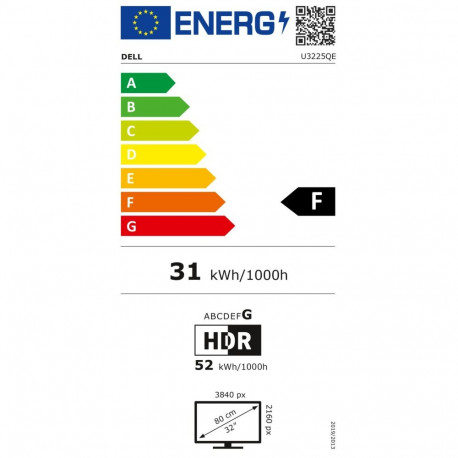
- Creative work – Dell U3225QE: a 32-inch 4K screen with a Thunderbolt dock and HDR600.
Browse more in the monitors category, and Dell offers a wide range too.